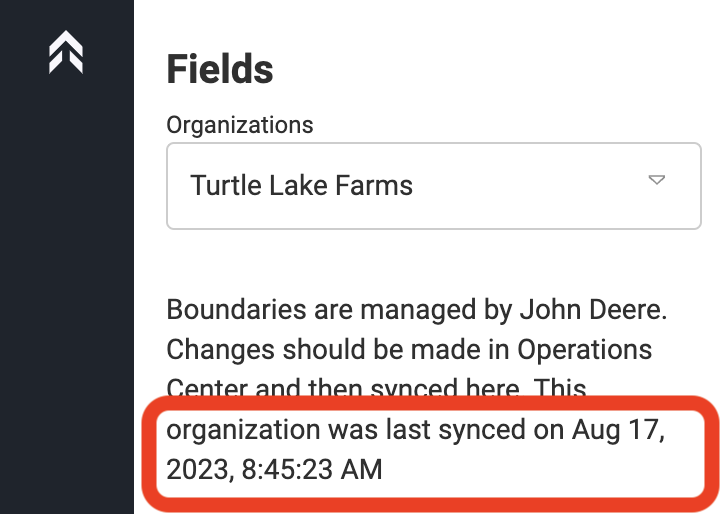
How to Sync/Update your boundaries in LaunchPad from MyJohnDeere
While logged in, the user can follow the process below to manually request LaunchPad update any modified fields from MyJohnDeere
-
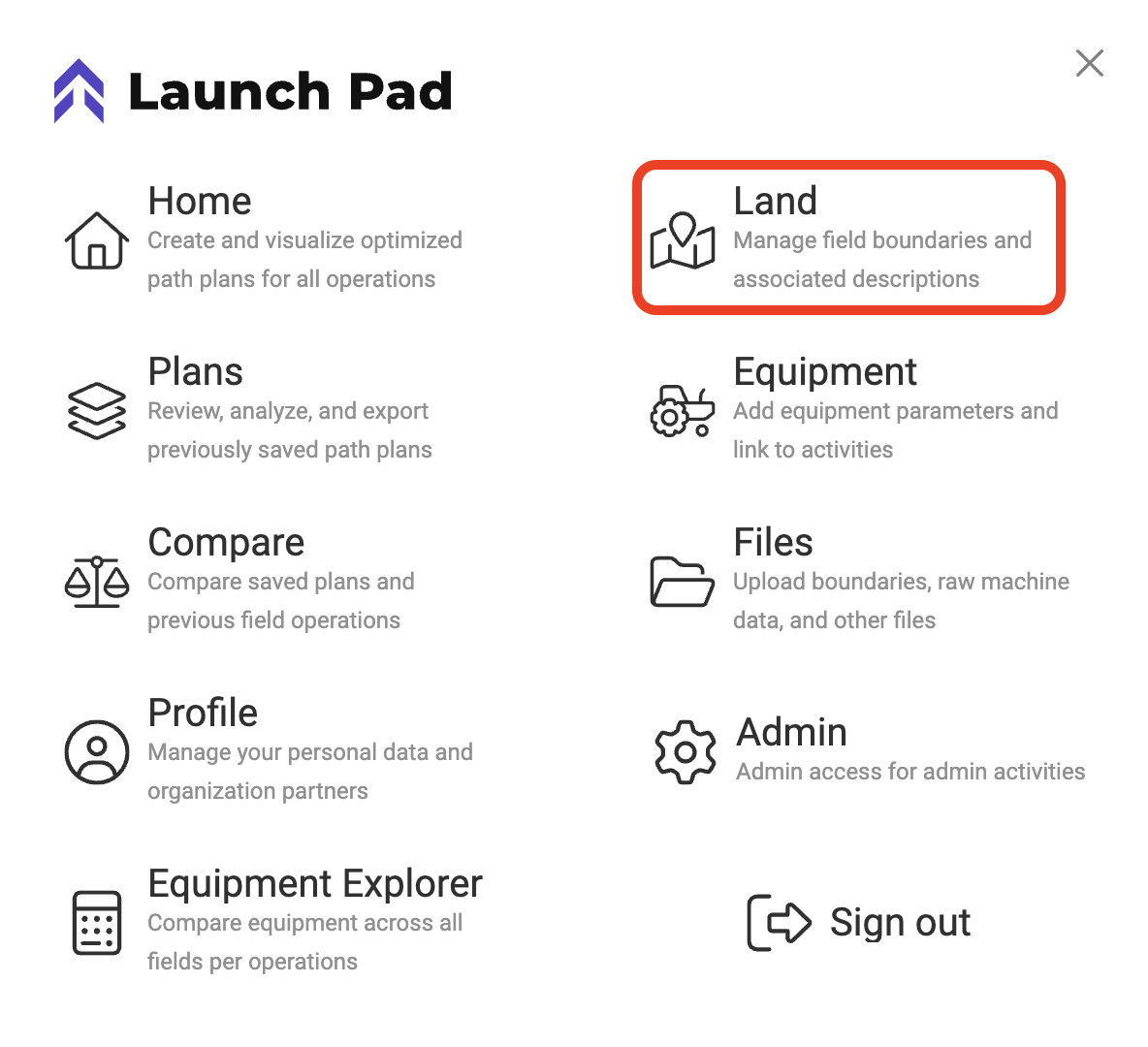
Click on Menu
-
Choose Land
-
Click the “Sync” button in the upper left under the Organization selection drop down.
- This will manually triggers a request to Deere to verify that we have the most updated fields/boundary. If ours are outdated we will update to the current boundary in MyJohnDeere.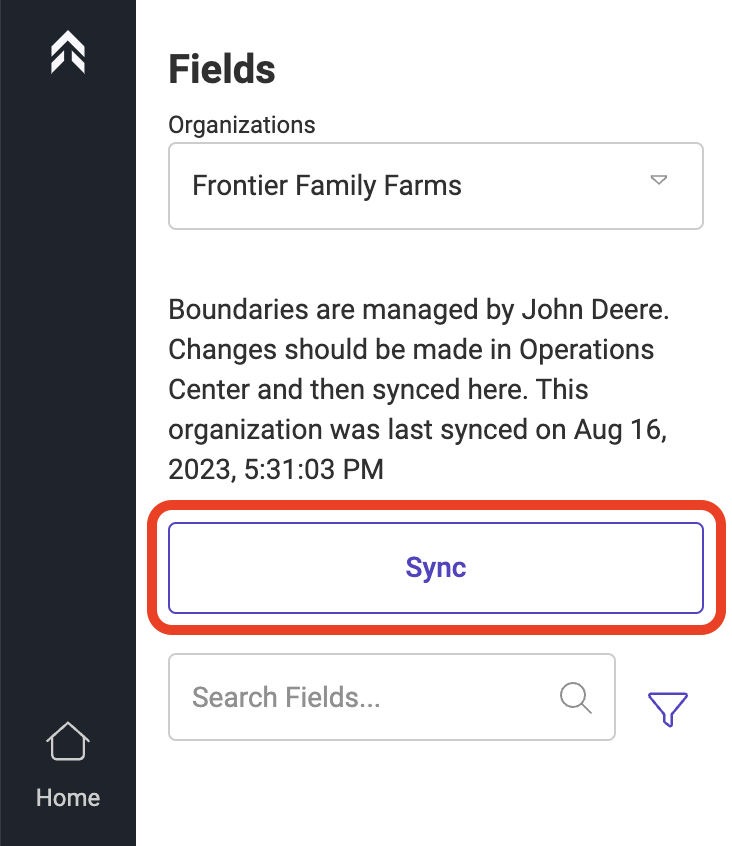
-
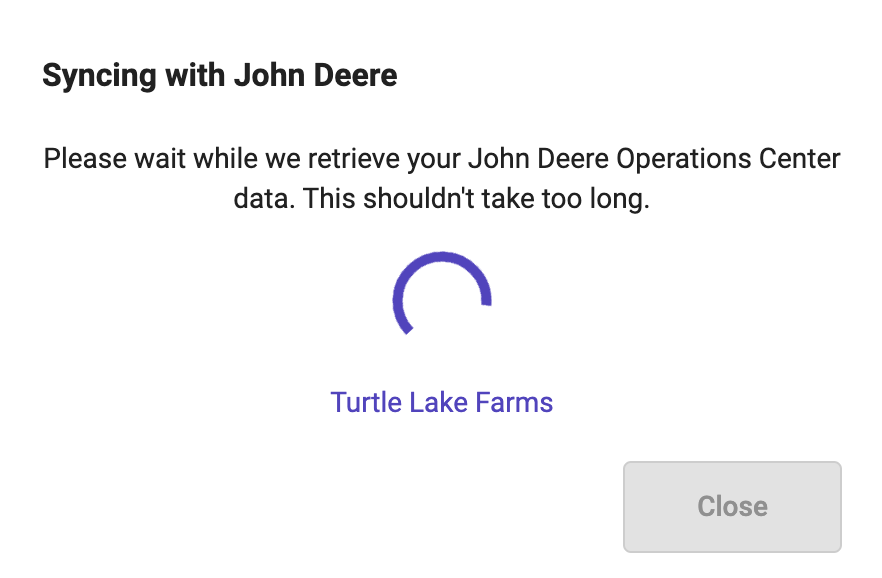
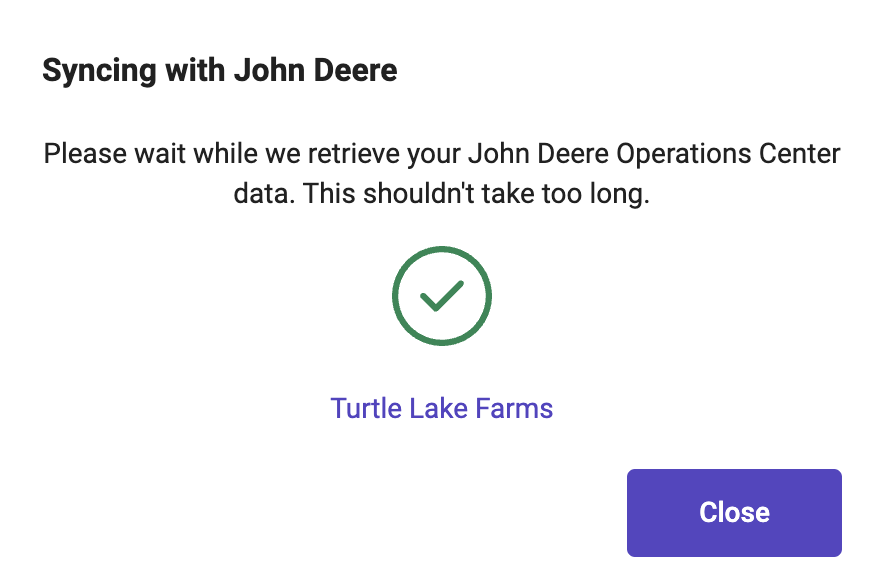
A Dialog box will pop up and notify the user that the sync is in progress and the company/MJD Organization that is being Synced
-
A green check will let the user know the sync was successful. Click “Close” to close the dialog box.
The Last Synced date/time will update just above the “Sync” button verifying the sync was successful.